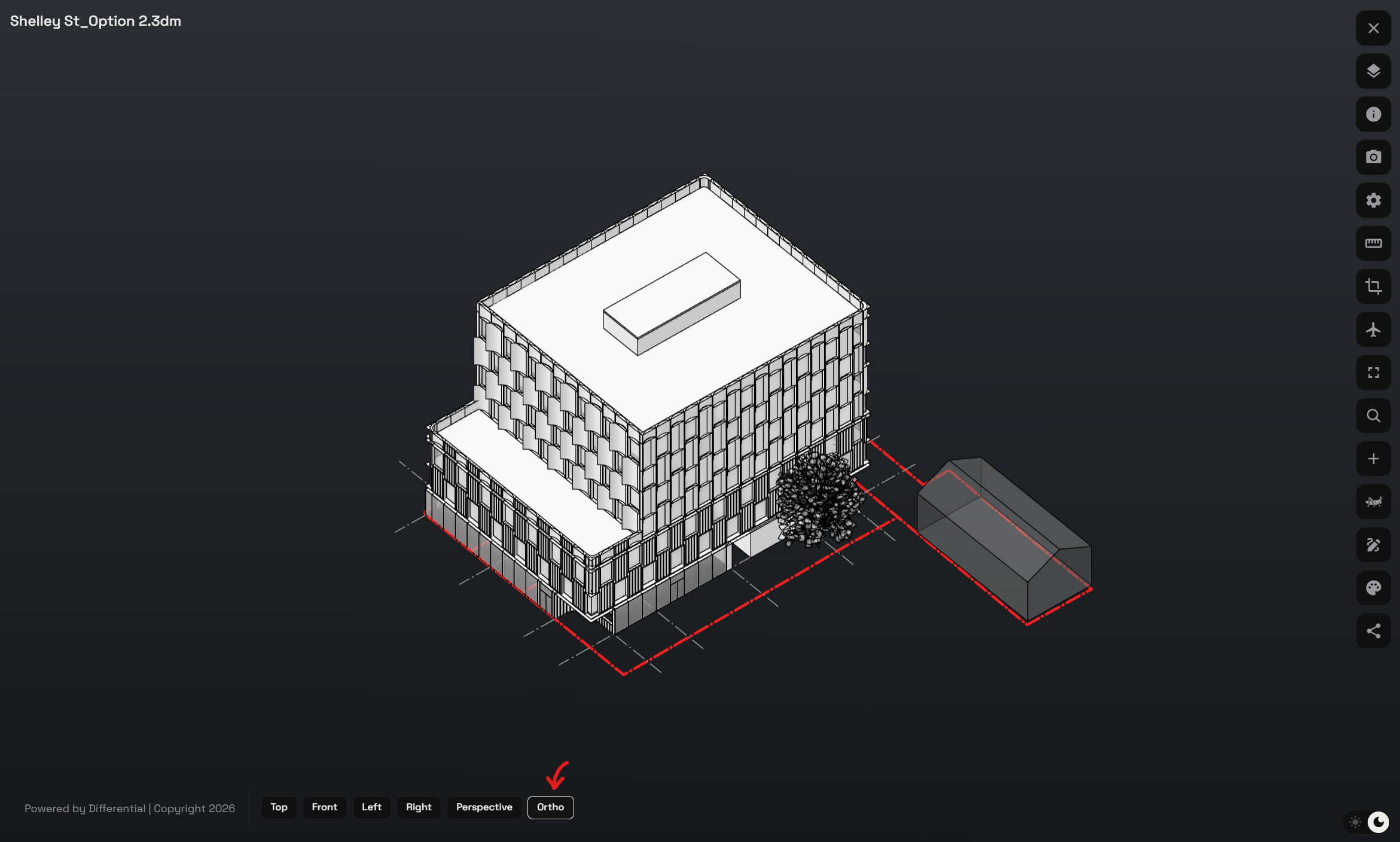
I think this is a very promising product, and its core design looks solid — something that can be confidently built upon. That said, there are a few things I liked, but I believe improving certain areas would significantly elevate the platform.
What Worked Well
I tested files of different sizes/volumes, and loading and viewing was very smooth and fast.
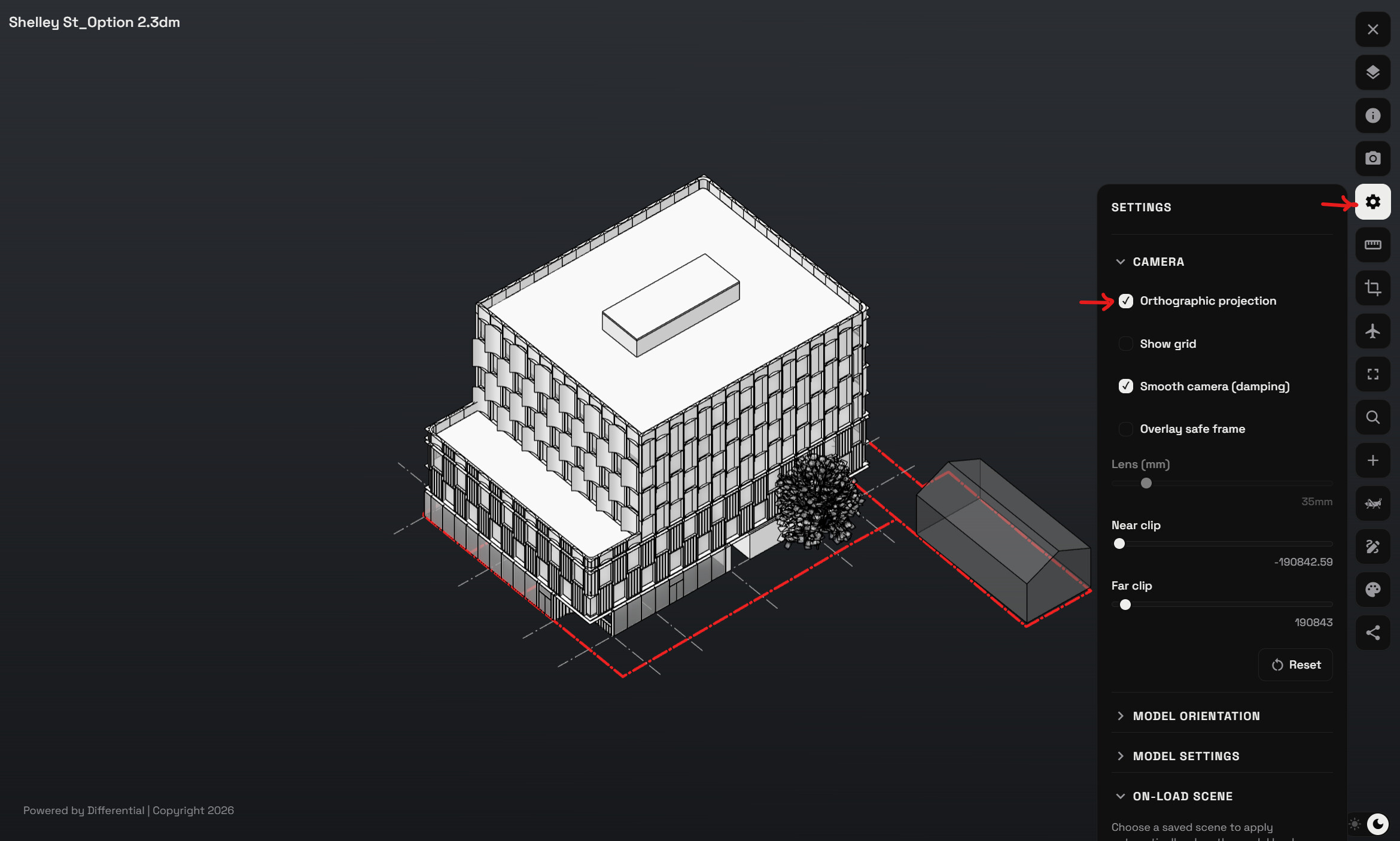
The camera feature is interesting and adds real value to the experience.
Areas That i think will add value
SketchUp File Support: .skp files in the 2026 format do not appear in the viewer — this seems to be a compatibility issue that needs to be addressed.
Measurement Tool: Measuring currently only works node-to-node. There’s no option to measure line-to-line, which is a limitation for accurate use in engineering/architectural projects.
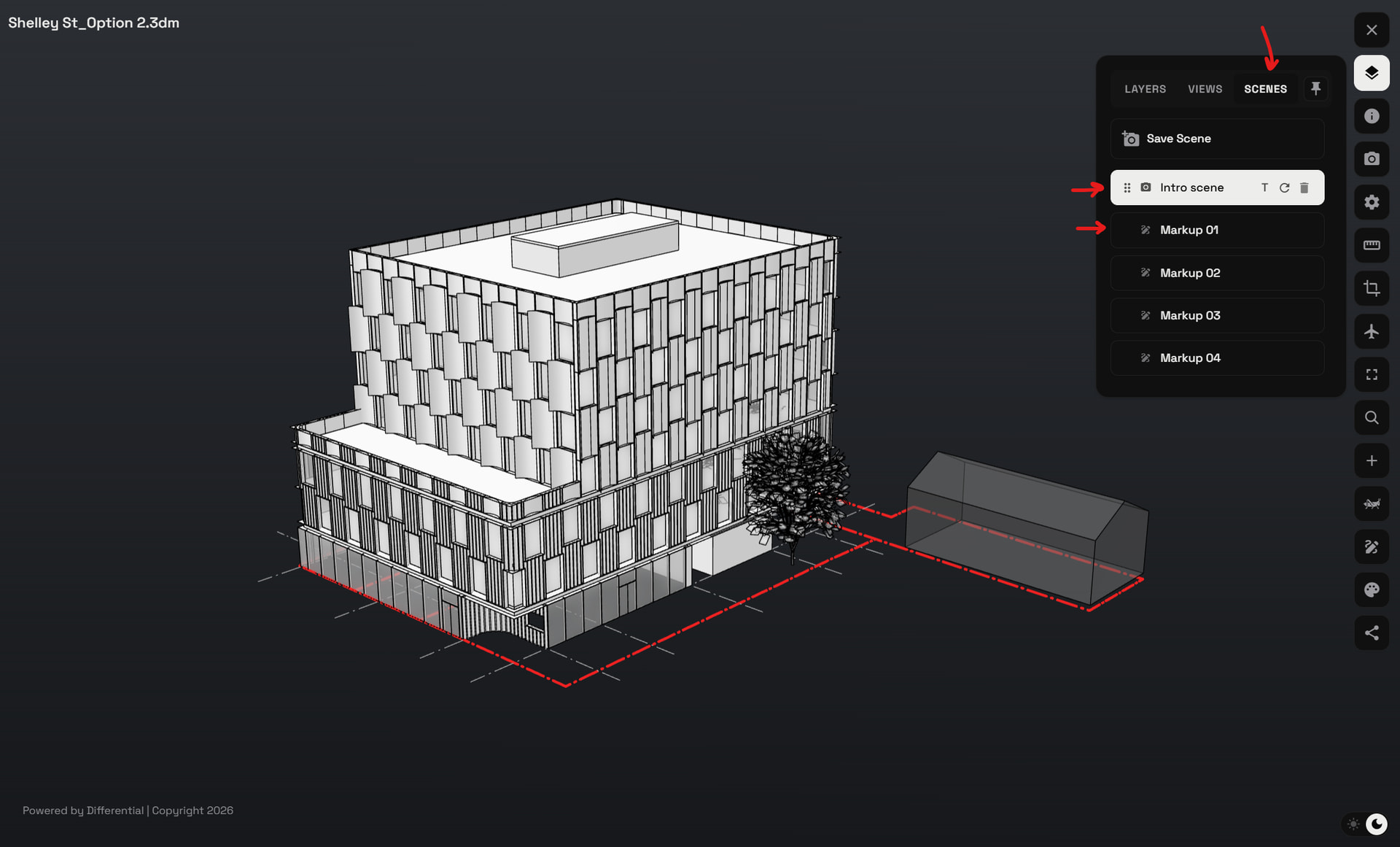
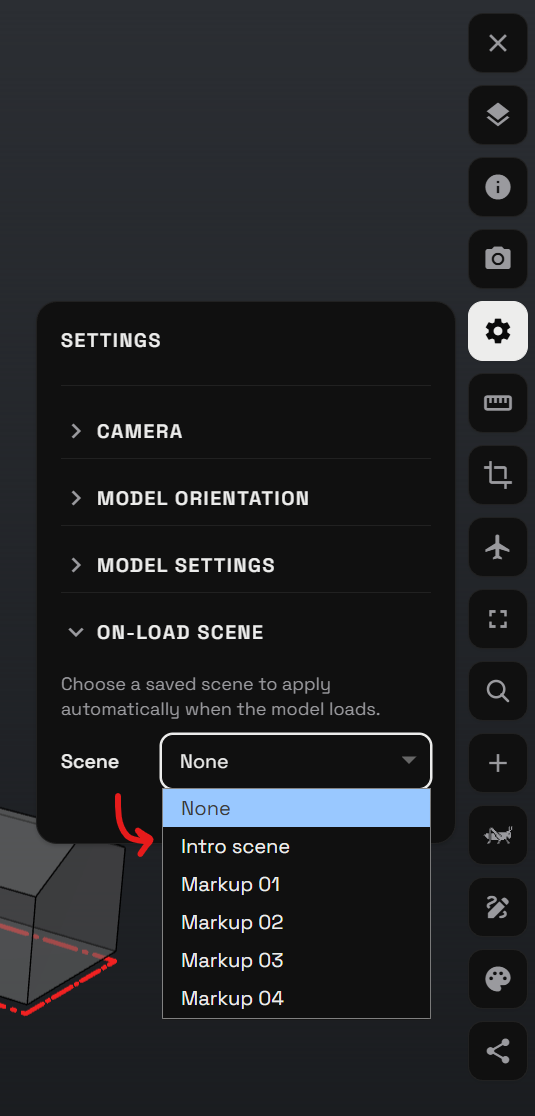
Live Sharing Between Two Parties: There’s currently no live screen-sharing or guided walkthrough capability between users. Maybe I didnt find but if also found .I’d suggest adding a “Scenes” feature similar to SketchUp — where the viewer can navigate between different scenes ( the camera move from scene to scence .. same idea of default views already exist), with a sidebar displaying bullet-point / cards explaining the idea or purpose behind each scene. Maybe using your markup tool layer will help here in each scene if the file sending target was to fix and improve things in file. When user wants to reply to email he can mention comments on each scene .
Depending on my test I cannot save markup or send
General Notes / Project Info Section: I’d recommend adding a dedicated space for general notes and project information, with the option to add the engineer’s or office’s personal logo — making presentations look more professional to the other party (client or partner). For When i send email , if i put part of data in email or message and this platform so the user will need to check both apps at same time to follow up the idea or goal of email and file sent
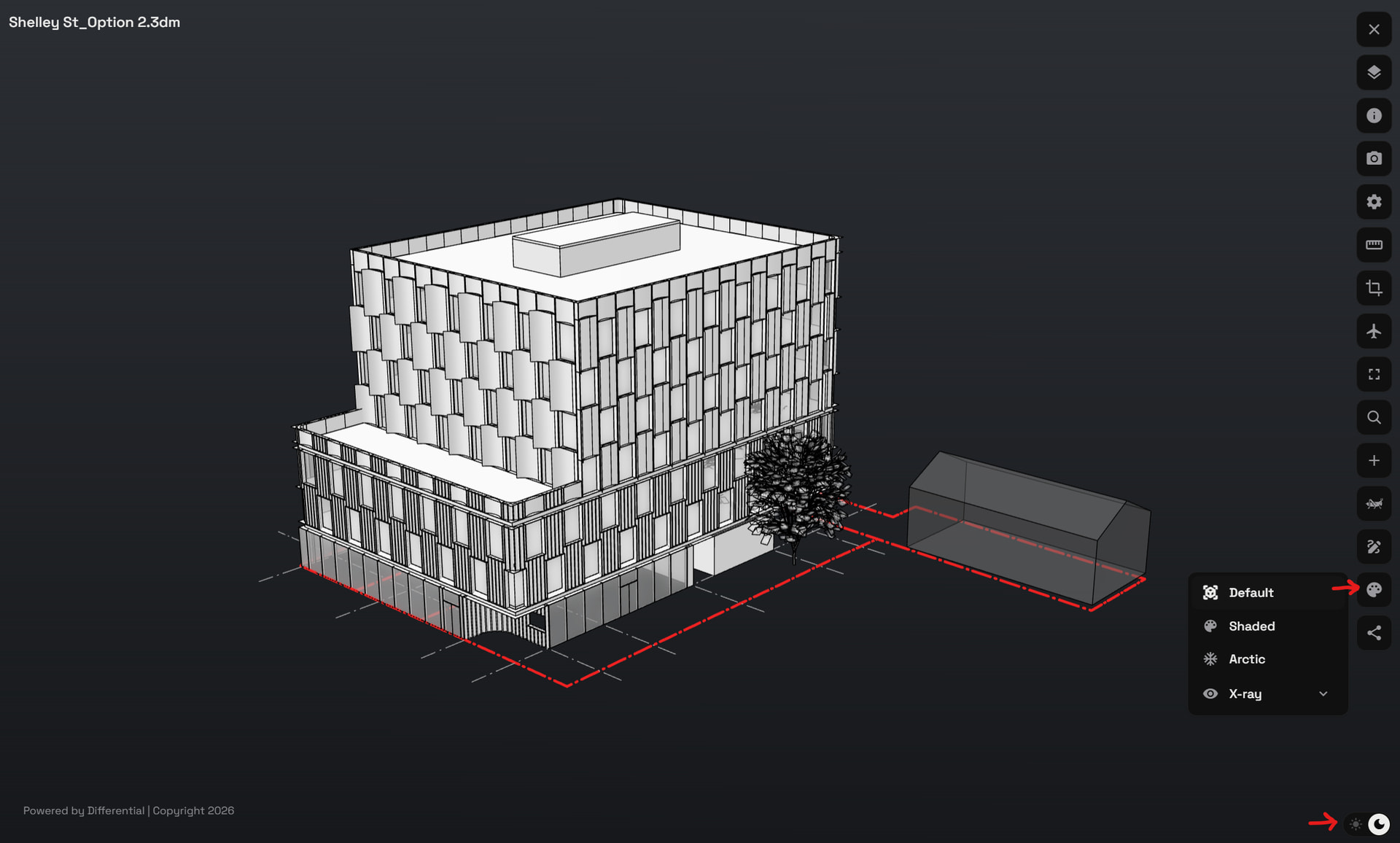
Multiple Display Styles for the Model: Adding different viewing styles for the model (similar to AutoCAD or SketchUp) would help a lot, especially for users already accustomed to those programs and looking for a familiar visual experience.
ability to add models without ability to position it will put limitation in using this feature
For AI ideas i think you already have ideas about this , I dont know how much each point I mention is critical , but thats my modest comments depending on my experience and that the viewer need visual content to see and text to explain to keep the experience soft and full(Edited)